Setup checklist
- Business account access is available.
- Phone number is approved and not connected to another unmanaged tool.
- Message templates are approved before campaign use.
- Webhook delivery is enabled.
Test path
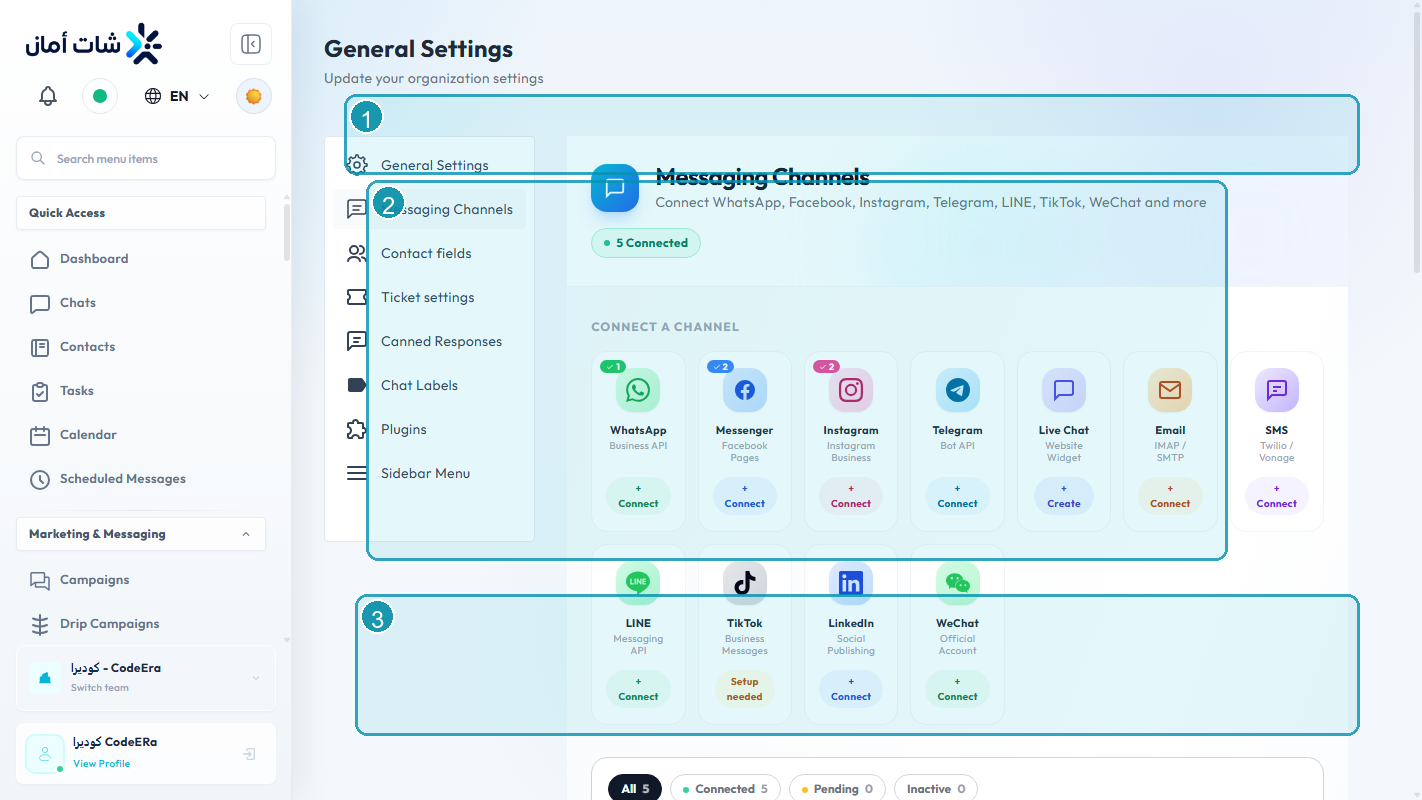
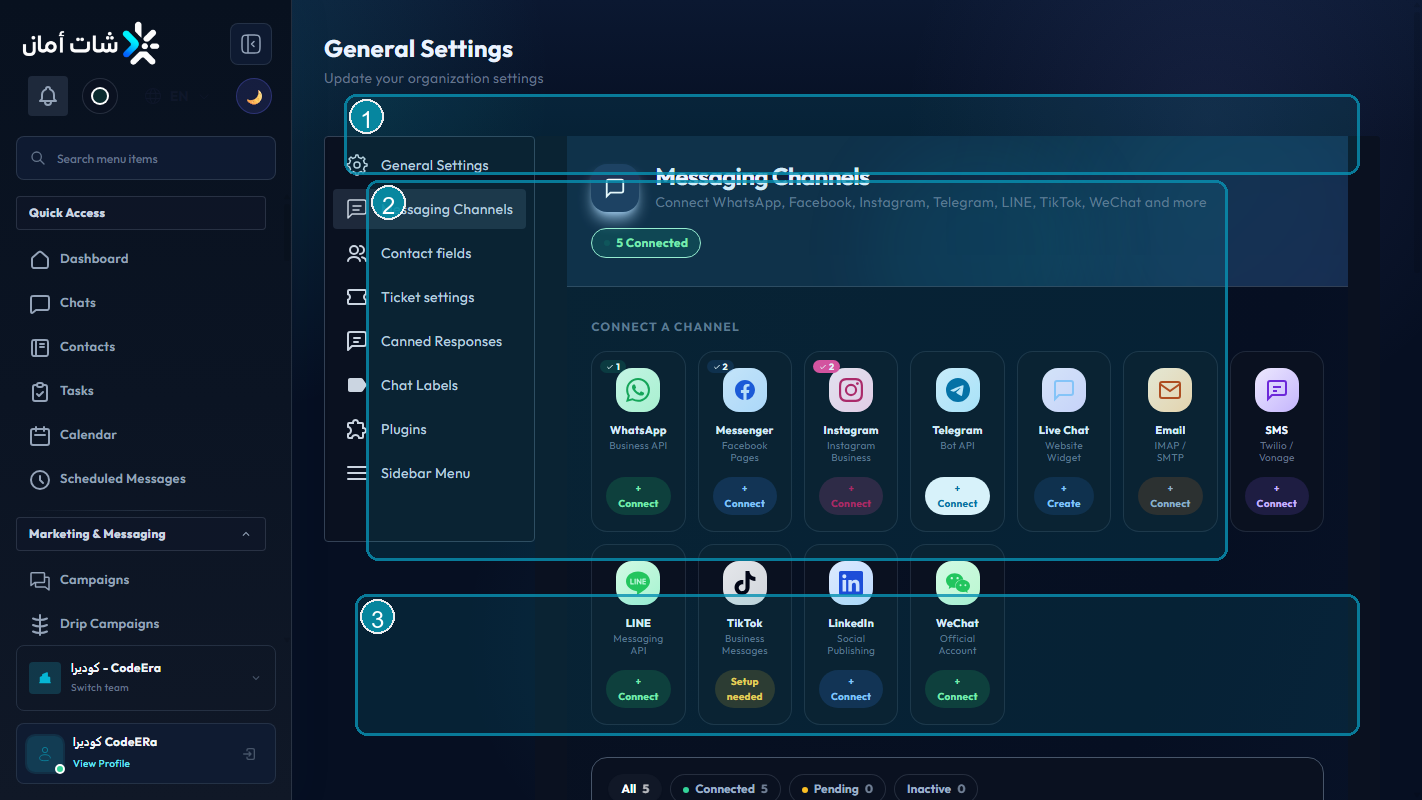
- Connect the WhatsApp channel.
- Send a plain text test message.
- Send a template test message.
- Confirm delivery status appears in Chataman.
- Check that inbound replies land in the inbox.
Quality tips
Keep templates specific, avoid spam-like wording, and monitor failed delivery reasons after every new template or number change.
Detailed Operating Playbook
Primary owner: WhatsApp channel admin.
Team workflow
- Verify the WhatsApp Business API channel is connected in channel settings.
- Check webhook status and token validity before campaigns.
- Send a direct text test and a template test.
- Monitor failed sends after the first production batch.
Success signals
- The WhatsApp card is connected.
- Replies arrive in the unified inbox.
- Delivery failures are visible and actionable.
When to review or escalate
Review this workflow when channels, policies, or workload change. Escalate to a manager when numbers look inconsistent or the same issue repeats more than once in the same day.