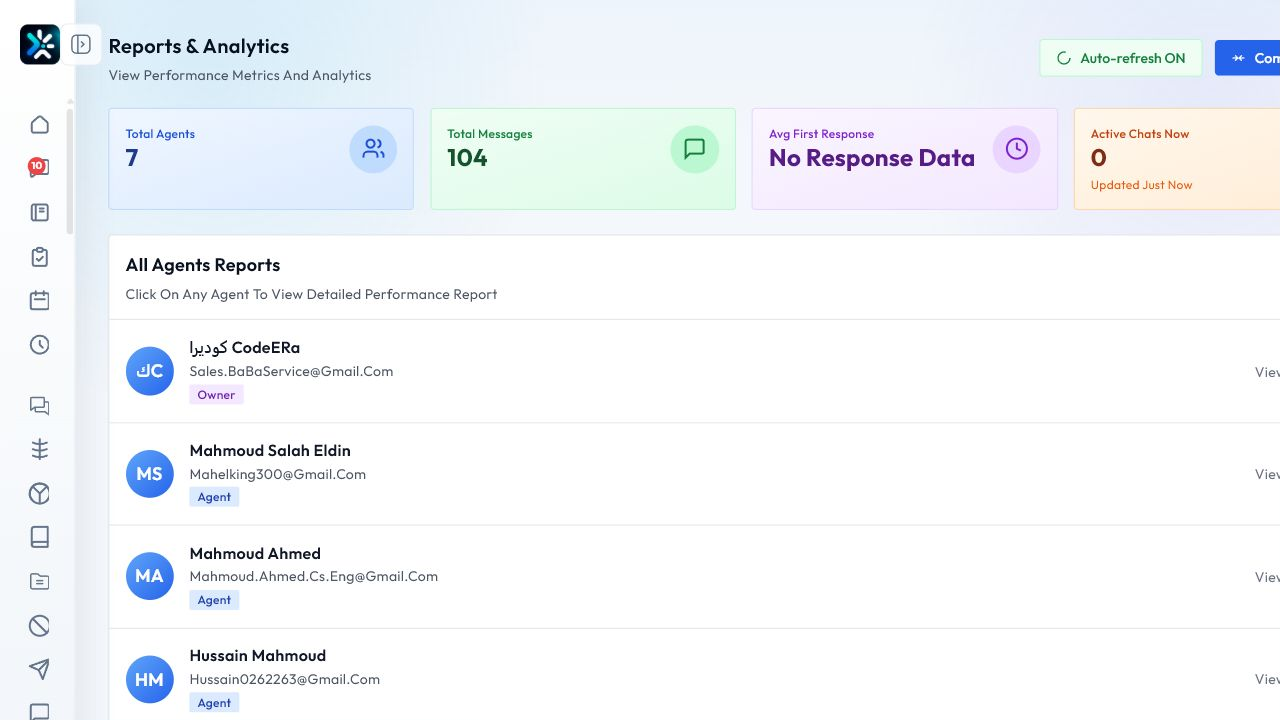
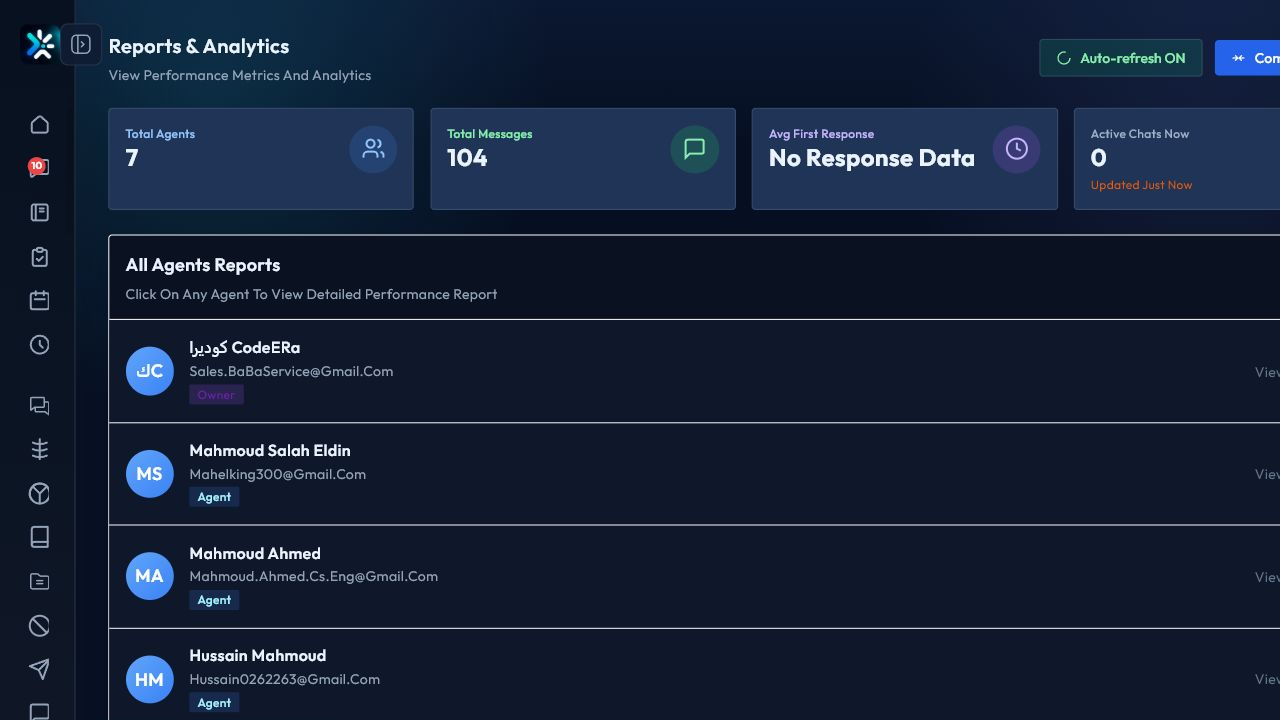
Reports to check
- Conversation volume by channel.
- First response and resolution time.
- Campaign delivery and reply rate.
- Agent workload and outcomes.
- Failed messages and channel issues.
How to read reports
Look for trends before reacting to single spikes. Combine numbers with conversation samples to understand what is really happening.
Decision examples
Increase staffing when response time rises with volume. Improve templates when delivery is fine but replies are low.
Detailed Operating Playbook
Primary owner: Operations manager.
Team workflow
- Review total messages, active conversations, and agent indicators together.
- Compare a metric with the period and team schedule.
- Open agent details only when the summary points to a problem.
- Turn repeated patterns into staffing, template, or automation changes.
Success signals
- Reports lead to decisions, not just screenshots.
- The team knows whether the issue is volume, response time, or quality.
- Weekly actions are tied to measured indicators.
When to review or escalate
Review this workflow when channels, policies, or workload change. Escalate to a manager when numbers look inconsistent or the same issue repeats more than once in the same day.