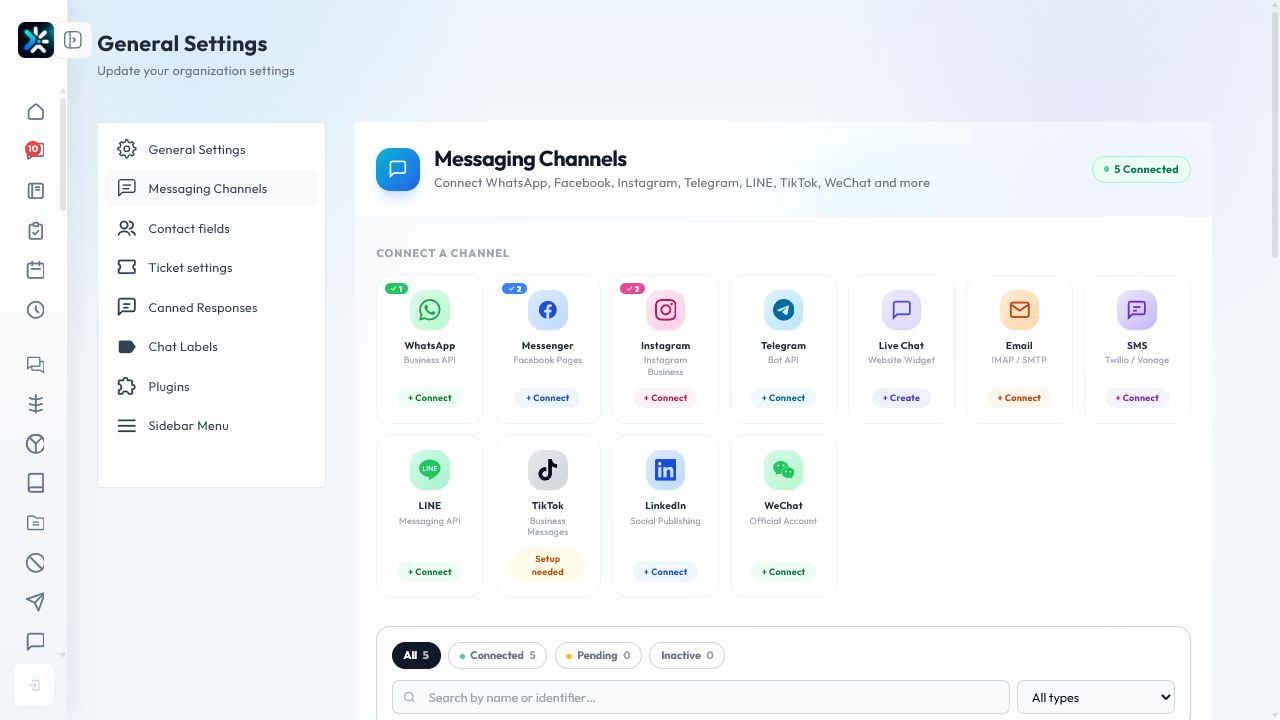
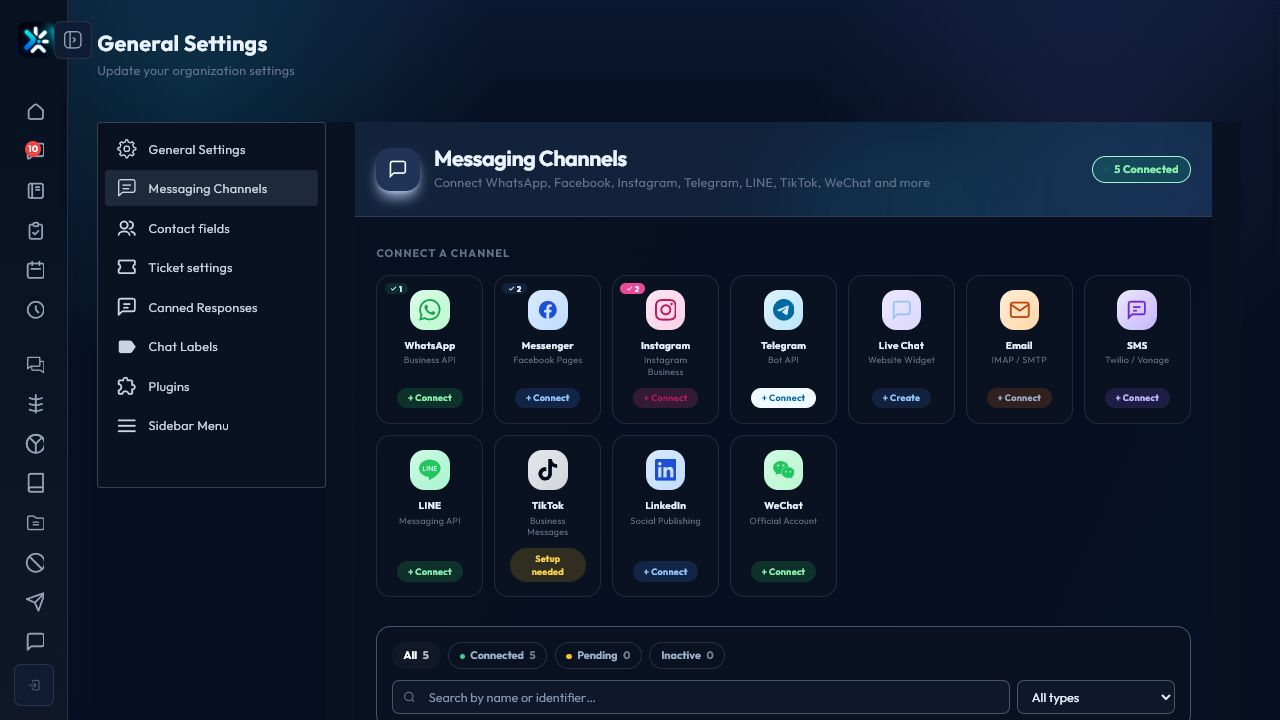
Before connecting a channel
- Confirm who owns the external account.
- Make sure the channel has the permissions Chataman needs.
- Decide which team or agent receives new conversations.
Connection workflow
- Open Channels.
- Choose the channel type.
- Follow the provider authorization flow.
- Return to Chataman and confirm the connected status.
- Send or receive a test message.
Ongoing monitoring
Check connected status, last sync time, webhook status, and failed messages. A connected badge is useful, but a successful test message is the stronger proof.
Detailed Operating Playbook
Primary owner: Admin responsible for provider accounts and messaging permissions.
Team workflow
- Open messaging channel settings from the real Chataman settings screen.
- Choose the channel type and confirm the required external account access.
- Connect or reconnect the channel, then check the connected counter.
- Send a controlled test before announcing the channel as ready.
Success signals
- The channel appears under connected channels.
- Inbound and outbound tests both succeed.
- The channel has an owner and a fallback contact.
When to review or escalate
Review this workflow when channels, policies, or workload change. Escalate to a manager when numbers look inconsistent or the same issue repeats more than once in the same day.