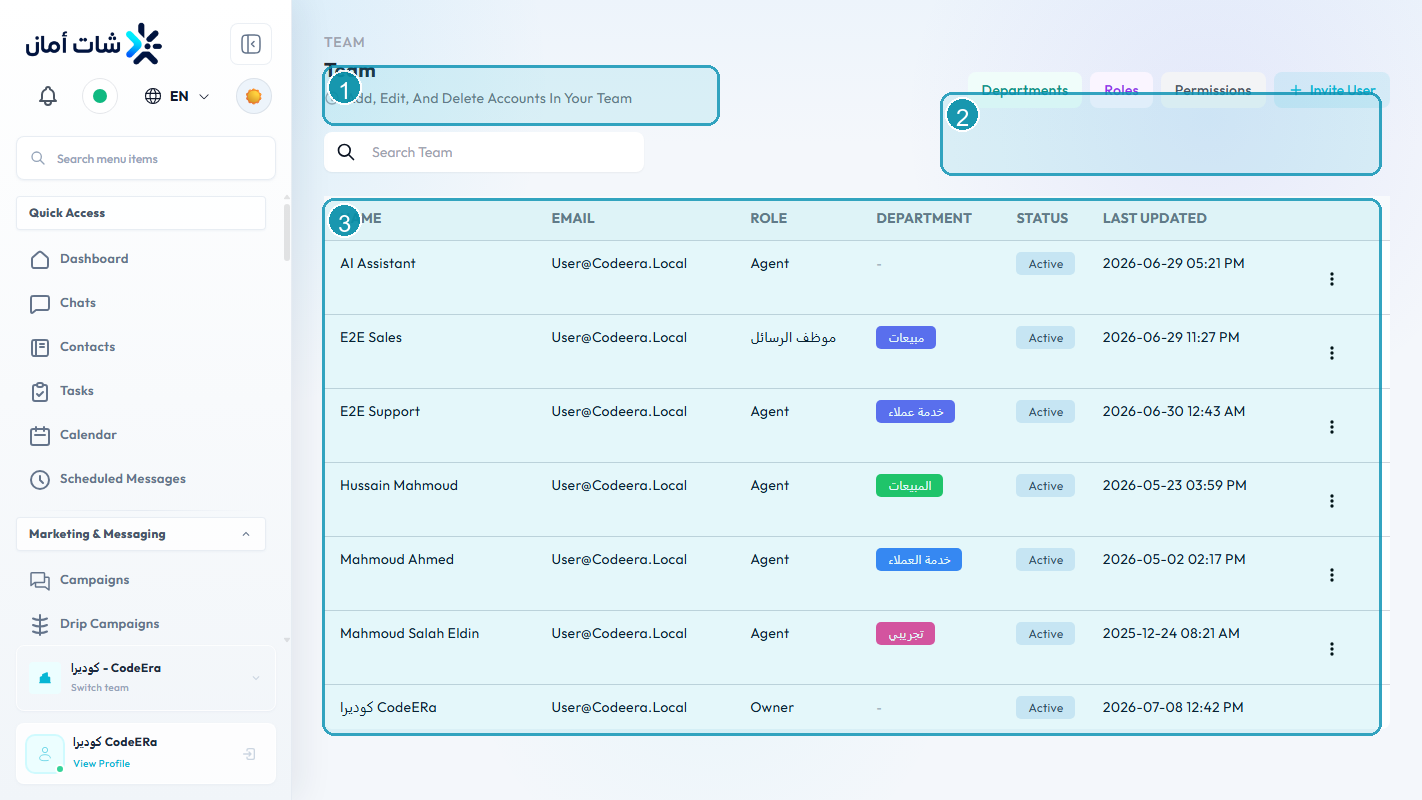
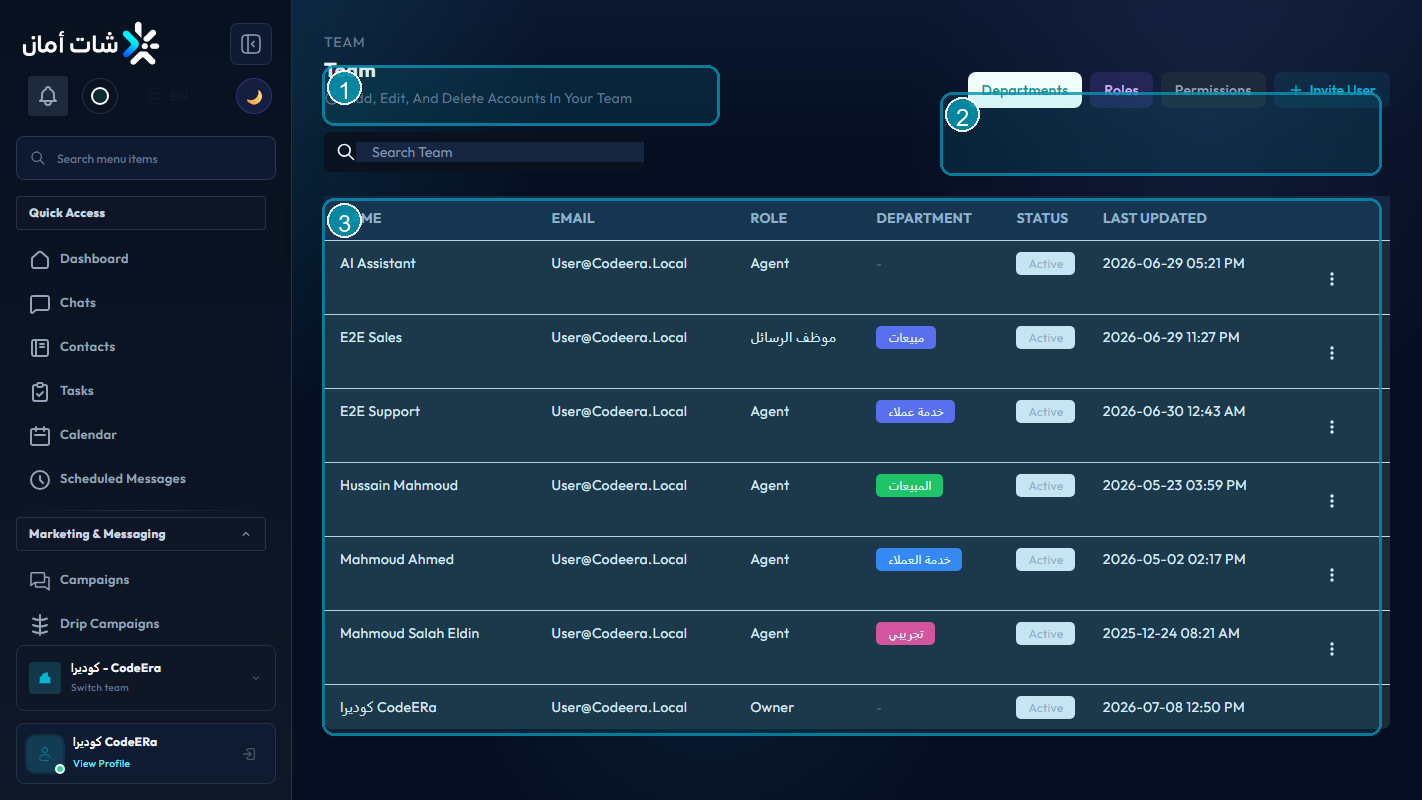
Role design
Give users only the access they need for their job. Separate admin work from daily agent work when possible.
Onboarding checklist
- Invite the user.
- Assign the right role.
- Place them in the correct team or department.
- Confirm they can see the expected inbox.
- Ask them to perform one supervised test reply.
Offboarding
Remove access promptly, reassign open conversations, and check scheduled campaigns or automations owned by the user.
Detailed Operating Playbook
Primary owner: Organization admin.
Team workflow
- Invite users only after deciding their role.
- Test the user view after permission changes.
- Keep admin access limited.
- Reassign conversations and campaigns before removing a user.
Success signals
- Each user sees only the modules they need.
- Admin actions are not performed by ordinary agents.
- Offboarding does not leave open work ownerless.
When to review or escalate
Review this workflow when channels, policies, or workload change. Escalate to a manager when numbers look inconsistent or the same issue repeats more than once in the same day.