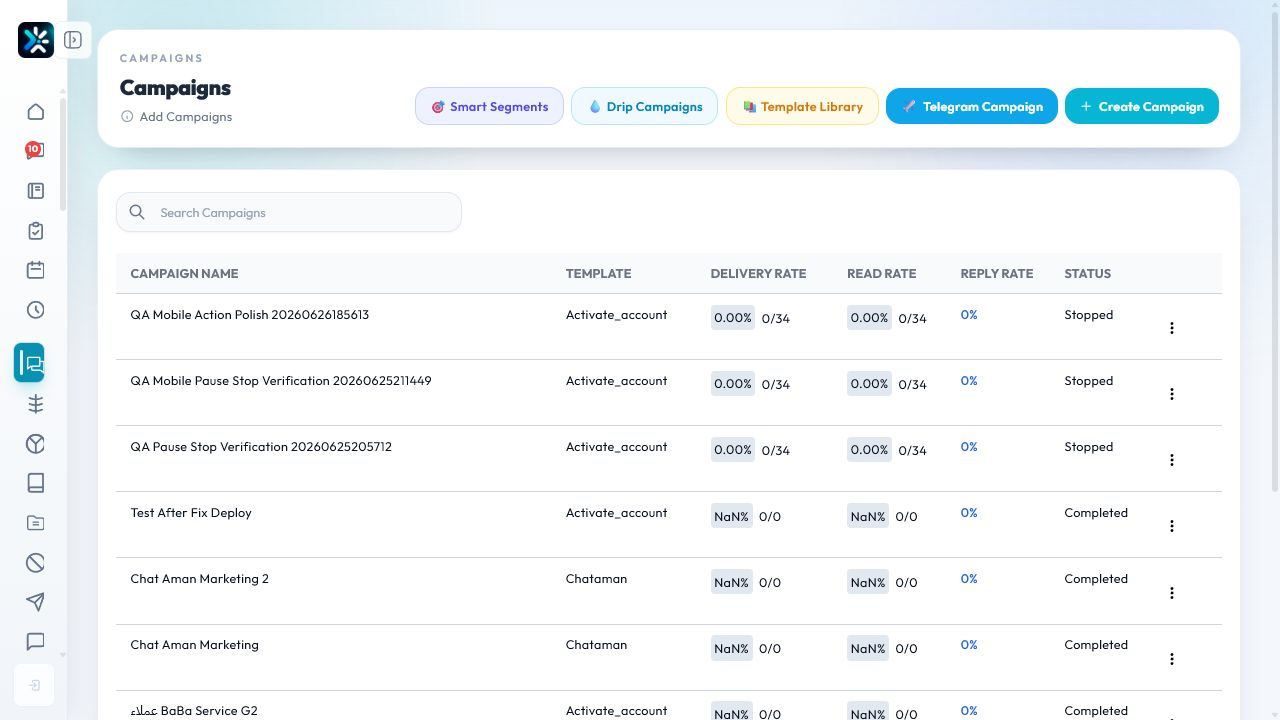
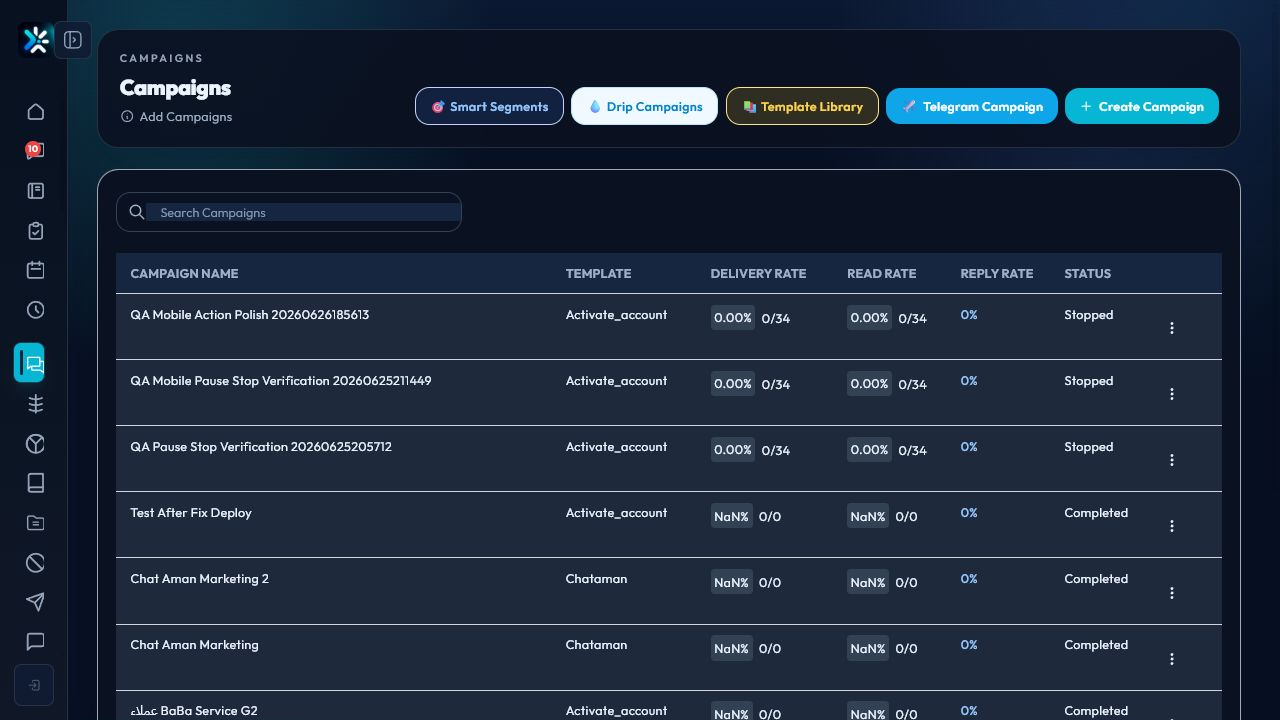
Campaign checklist
- Confirm the audience has valid consent.
- Choose a focused contact group.
- Use an approved template when the channel requires it.
- Start with a small test batch.
- Monitor failures, pauses, and replies.
Better campaign design
Every campaign should have one audience, one offer or update, one call to action, and one success metric.
After launch
Watch delivery, reply rate, opt-outs, and agent workload. A campaign is successful only if the team can handle the replies it creates.
Credit refund policy for failed messages
Campaign credit is refunded only when the failure is technical, caused by platform or provider limits, or when messages are released before any delivery attempt.
- Refunded automatically: internal delivery failures before provider processing, rate-limit or healthy ecosystem retries, and unattempted messages released after pause or stop actions.
- Not refunded: invalid recipient data, suppressed contacts, missing deliverable channels, template or contact data errors, and messages accepted by the provider then failed because of customer data or account settings.
- Each failed campaign log records the refund decision and reason so support and finance can audit the campaign clearly.
Detailed Operating Playbook
Primary owner: Campaign manager with support capacity review.
Team workflow
- Choose a verified audience before writing the message.
- Check templates and channel readiness before launch.
- Start with a controlled batch.
- Watch replies and pauses while the campaign is running.
Success signals
- The campaign has one audience, one message, and one action.
- Support can handle the expected replies.
- Failures and pauses are reviewed before scaling.
When to review or escalate
Review this workflow when channels, policies, or workload change. Escalate to a manager when numbers look inconsistent or the same issue repeats more than once in the same day.