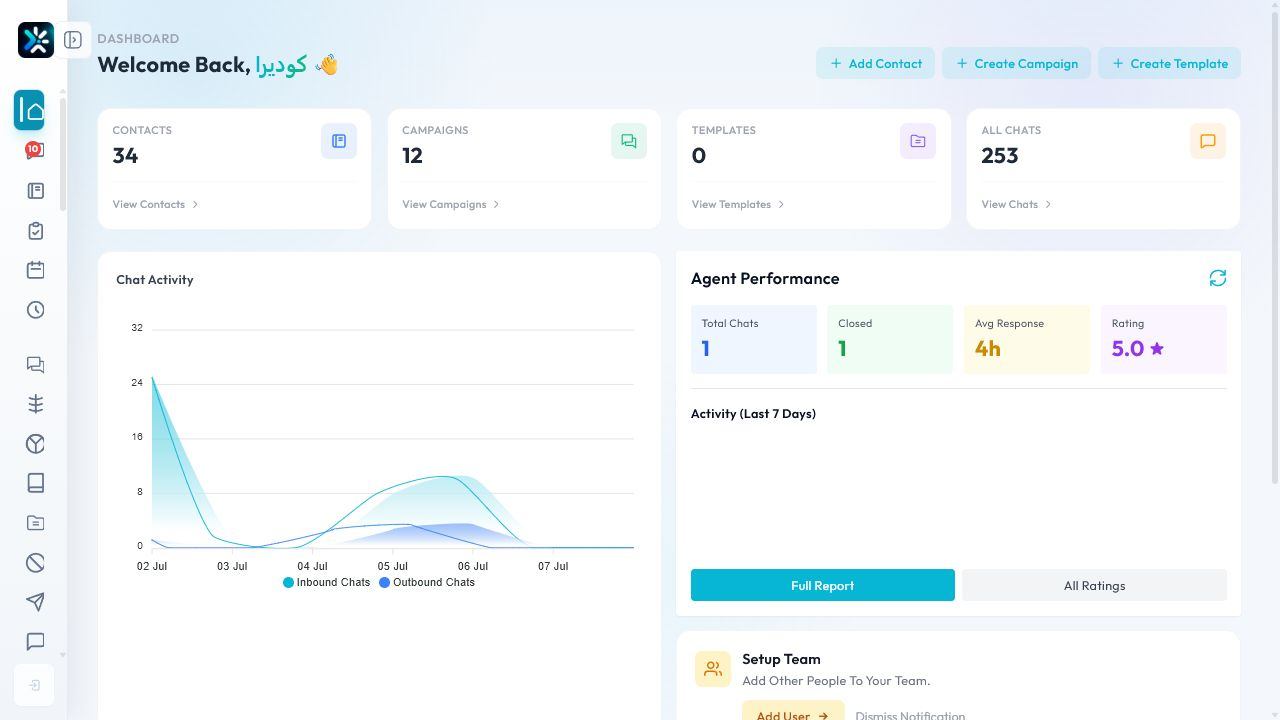
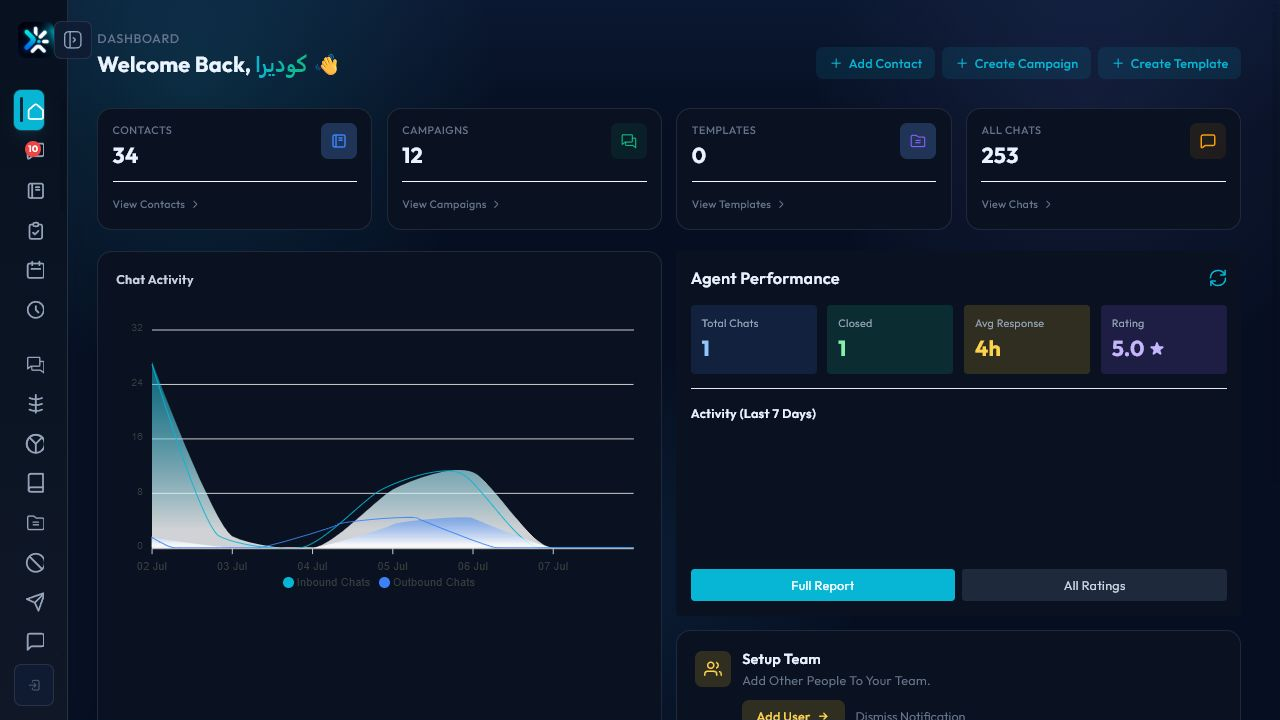
What the dashboard answers
- Are channels connected and receiving messages?
- Is the team keeping up with new conversations?
- Are campaigns performing as expected?
- Which operational area needs attention today?
Daily review workflow
- Start with channel health and failed delivery indicators.
- Check open, pending, and resolved conversation counts.
- Review campaign throughput and paused jobs.
- Open reports only when the dashboard points to a trend worth investigating.
Good operating rhythm
Use the dashboard at the start of the shift, after major campaigns, and before closing the day. It is a control room, not a replacement for detailed reports.
Detailed Operating Playbook
Primary owner: Operations manager or shift lead.
Team workflow
- Start the day by reviewing conversations, contacts, campaigns, and templates.
- Open the full report when a metric looks unusual.
- Compare activity trends with staffing for the same day.
- Use dashboard shortcuts only after checking the active organization.
Success signals
- The team can explain today’s biggest operational risk.
- Slow response or campaign issues are investigated from the right module.
- Daily review takes minutes, not a full manual audit.
When to review or escalate
Review this workflow when channels, policies, or workload change. Escalate to a manager when numbers look inconsistent or the same issue repeats more than once in the same day.