Safe import process
- Prepare a clean CSV or spreadsheet.
- Include phone, name, source, and group when available.
- Import 10 sample contacts first.
- Verify formatting and duplicates.
- Import the full file only after the sample is correct.
Group design
Create groups by customer lifecycle, campaign consent, region, product interest, or support priority. Do not create groups that nobody owns.
Validation
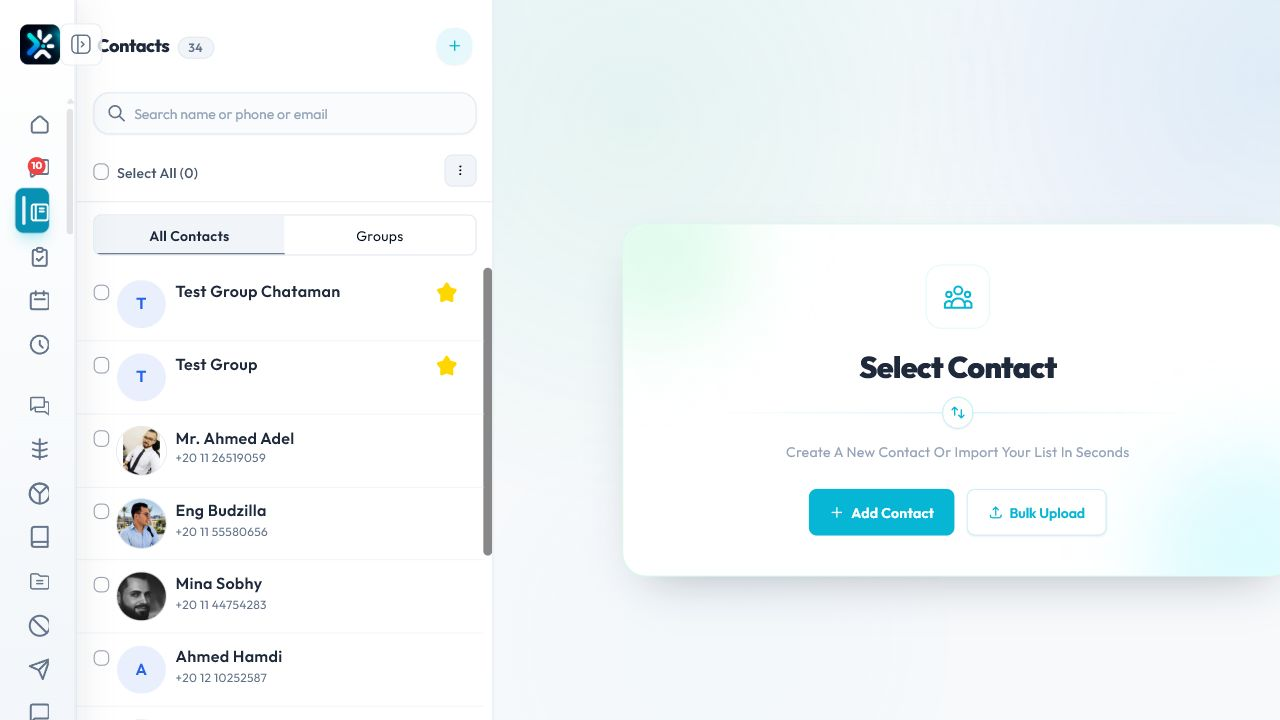
After import, search for a few customers manually and confirm group assignment before launching campaigns.
Detailed Operating Playbook
Primary owner: Data importer or campaign manager.
Team workflow
- Prepare a small test import before the full file.
- Map fields consistently, especially phone and group.
- Check the group count after import.
- Use groups for intent and consent, not just convenience.
Success signals
- Sample import looks correct.
- Groups match the campaign plan.
- No campaign launches to an unverified import.
When to review or escalate
Review this workflow when channels, policies, or workload change. Escalate to a manager when numbers look inconsistent or the same issue repeats more than once in the same day.