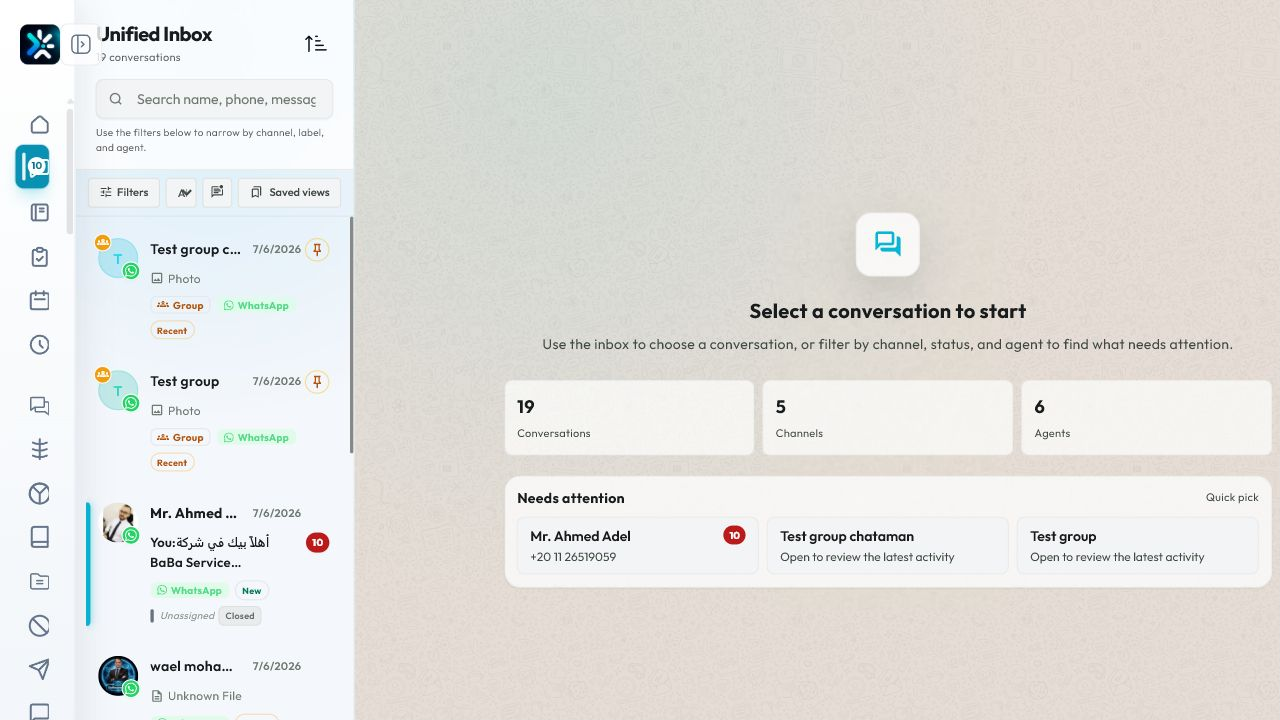
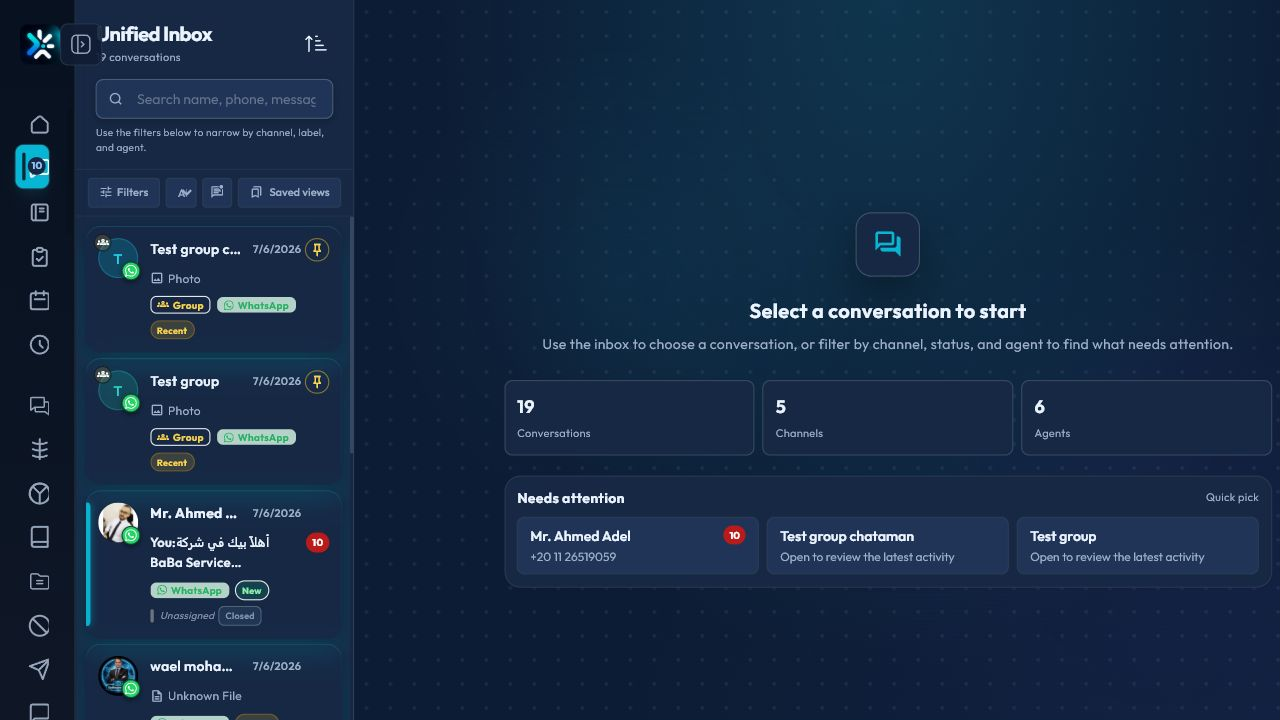
Conversation lifecycle
New conversations should move from unassigned to assigned, then to resolved when the customer outcome is complete.
Agent workflow
- Open the inbox queue assigned to you.
- Review customer context and previous messages.
- Use labels to mark topic or priority.
- Reply with a saved response or custom message.
- Add an internal note when another teammate needs context.
- Resolve the conversation when the customer need is complete.
Manager workflow
Managers should monitor stuck conversations, reassignment volume, first response time, and reopened tickets.
For the complete operating model, including what happens after closing, customer ratings, transfers, and agent performance, read Tickets, Ratings, And Agent Performance.
Detailed Operating Playbook
Primary owner: Support agents and inbox supervisor.
Team workflow
- Use filters to narrow conversations by channel, status, assignment, or label.
- Open priority conversations first and read the context before replying.
- Assign ownership before long follow-up work.
- Resolve only after the customer outcome is actually complete.
Success signals
- Unassigned conversations decrease during the shift.
- Every active conversation has an owner or a clear queue.
- Resolved conversations can be explained from notes and status history.
When to review or escalate
Review this workflow when channels, policies, or workload change. Escalate to a manager when numbers look inconsistent or the same issue repeats more than once in the same day.