What this guide answers
This guide explains the operating rules behind conversations, tickets, customer ratings, agent ownership, transfers, and reports. Use it when an agent asks why a new customer message created another ticket, when a manager needs to audit an old resolution, or when report numbers need to be interpreted correctly.
The essential model: one customer, many tickets
A contact is the permanent customer record. It keeps the customer’s name, phone number, channels, labels, and business context.
A ticket is one support case or service request for that contact. The same customer can therefore have many tickets over time, while each ticket keeps its own messages, status, close reason, notes, rating, and agent history.
Example:
- A customer asks about delivery. Ticket 1 is handled, rated, and closed.
- Three days later the same customer asks for a refund. Ticket 2 is created for the same contact.
- The customer profile remains one record, but delivery and refund remain two separate measurable cases.
This separation protects historical data. A new request must never overwrite the close reason, rating, timing, or ownership of an older request.
Ticket lifecycle
Open
The customer needs a response or the team is actively working on the case. New inbound messages belong to the current open ticket.
Pending
The team is waiting for the customer, another department, or a scheduled follow-up. A new customer reply returns the same pending ticket to active work; it does not create a new case because the original issue is still in progress.
Closed
The customer outcome is complete and the ticket is preserved as a historical record. Closing should capture the correct close reason and any final note required by your operating policy.
A new message after closing
When the customer sends a genuine new message after the previous ticket was closed, Chataman creates a new ticket under the same contact. The inbox may show the same customer identity, but the new ticket has a new lifecycle and does not write over the closed ticket.
This is intentional because the new message may be a different issue, may be handled by a different agent, and must receive independent timing, outcome, and rating measurements.
What stays attached to the closed ticket
After closing, the following information remains with that ticket:
- The messages that formed the case.
- Open, pending, assignment, transfer, and close timestamps.
- The close reason and resolution notes.
- The customer rating and any rating comment.
- Every agent who participated.
- The agent credited as the resolver.
- First-response and resolution measurements for that case.
Later customer messages cannot change these historical facts.
Messages that do not create a new support ticket
Not every inbound event means the customer opened a new issue. Chataman keeps non-support events out of the active ticket flow, including supported rating responses and message reactions. Duplicate or delayed channel events are also handled as channel events rather than separate customer requests when the provider identifies them correctly.
If a rating reply appears, it is attached to the ticket that requested the rating. It does not reopen the closed case and does not create a new ticket.
Closing a ticket correctly
Before selecting Close, the agent should:
- Confirm that the customer’s requested outcome is complete.
- Send the final customer-facing answer when one is required.
- Add an internal note if another team may need context later.
- Select the most accurate close reason.
- Confirm that the correct owner is assigned.
- Close the ticket only once no active follow-up remains.
Recommended close reasons should represent the business outcome, such as resolved, follow-up completed, transferred, spam, or another approved category. Do not use a generic reason when a more accurate reason is available; reports depend on this choice.
Reopening versus a new ticket
Use the following decision rule:
- The same unresolved case continues: keep the current ticket open or pending.
- An agent closed the ticket by mistake and immediately corrects it: reopen that ticket according to the team’s permission policy.
- The customer sends a new service request after a completed close: create a new ticket automatically under the same contact.
- The customer submits only a rating or reaction: keep the original ticket closed and save the feedback there.
Do not reopen every old ticket simply because the contact is the same person. Customer identity is shared; case history is not.
Assignment after a closed ticket
Organization settings control who receives the next ticket from a returning customer.
- If reassign returning conversations is enabled, the new ticket follows the current routing and workload rules and may go to a different available agent.
- If it is disabled, Chataman can retain the previous agent when that assignment is still valid for the organization.
In both cases, the old ticket remains unchanged. This setting controls ownership of the new ticket, not the historical record.
Transfers and shared work
A transfer changes who owns the active work; it does not erase earlier participation. Chataman records each participating agent and their contribution to the ticket.
Use a transfer when responsibility genuinely moves to another person or team. Add an internal note that explains:
- Why the transfer is needed.
- What has already been checked or promised.
- The next required action.
- Any deadline or customer expectation.
The final agent who completes and closes the customer outcome is identified as the resolver. Earlier agents remain visible as participants, so collaboration is recognized without giving every participant credit for the final resolution.
Customer ratings
Each rating belongs to the specific ticket that triggered it. This allows one customer to rate one delivery conversation highly and a later refund conversation differently without mixing the two experiences.
Managers should read ratings with context:
- Rating average shows the direction of customer satisfaction.
- Rating count shows whether the sample is large enough to trust.
- Rating comment explains the score when the customer provides one.
- Ticket history shows the messages, timing, transfers, and close reason behind the rating.
Never evaluate an agent from one rating alone. Review a meaningful period and compare ratings with volume, case complexity, first response, resolution time, and actual conversation samples.
How agent performance is attributed
Chataman separates participation from resolution so reports remain fair after transfers.
- Participated tickets: tickets where the agent performed tracked work or sent messages.
- Resolved tickets: tickets where the agent was the final resolver.
- Message count: agent messages sent inside the selected period and scope.
- First response time: time until the agent’s first qualifying response after assignment.
- Resolution time: time to completion for tickets credited to that resolver.
- Rating average and count: customer feedback on the relevant resolved tickets.
An agent may participate in more tickets than they resolve. That is expected for triage, escalation, and specialist support roles.
How to evaluate a conversation
Use a consistent quality review instead of relying only on speed:
- Understanding: Did the agent identify the real customer need?
- Accuracy: Was the information correct and policy-compliant?
- Ownership: Did the agent explain the next step and remain accountable?
- Communication: Was the answer clear, respectful, and easy to act on?
- Efficiency: Were unnecessary messages, waits, or transfers avoided?
- Outcome: Was the case actually completed before closing?
- Documentation: Are the note, close reason, and transfer context sufficient for an audit?
- Customer feedback: Does the rating support the review, and is the sample meaningful?
Reading ticket history from the contact
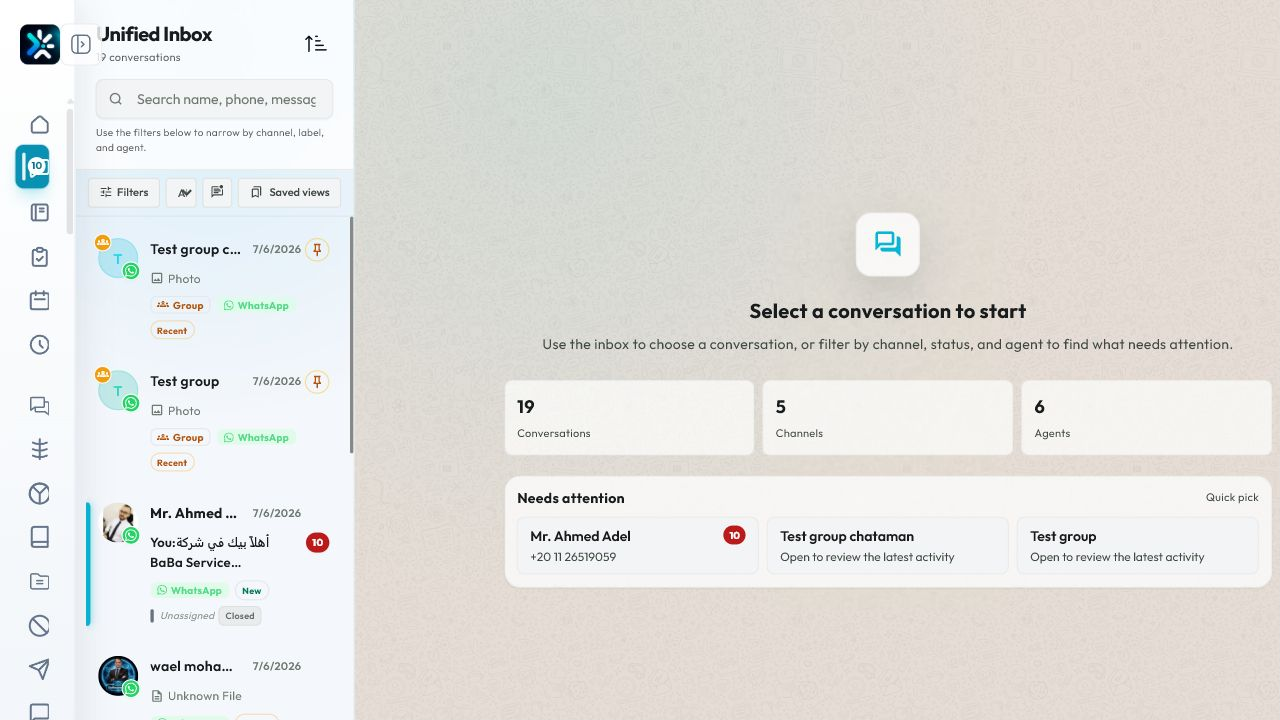
Open the customer details and choose History to see previous tickets without mixing them into the active case. The summary shows total tickets, closed tickets, and the available rating average. Expand a ticket to review its dates, message count, participants, resolver, rating, and close information.
Use history before replying when the customer refers to an earlier promise, repeated failure, refund, complaint, or escalation. Do not copy an old resolution without confirming that it still applies to the new case.
Manager review routine
Daily
- Review unassigned and long-running open tickets.
- Check pending tickets whose follow-up time has passed.
- Inspect unusual transfers and tickets closed without a useful reason.
- Sample low ratings with their full conversation context.
Weekly
- Compare participation and resolution by agent and team.
- Review first response and resolution trends against workload.
- Check rating count before interpreting rating averages.
- Identify repeated customer issues that need a template, policy update, automation, or product fix.
Monthly
- Calibrate quality scoring with the team using the same conversation samples.
- Review routing and reassignment settings.
- Compare channels and case types, not only total agent rankings.
- Document coaching actions and verify improvement in the next period.
Common questions
Why do I see the same customer again after closing?
The contact is the same, but the customer started a new service case. Chataman opens a new ticket so the previous ticket remains intact.
Did the new message erase the old rating or close reason?
No. They remain attached to the closed ticket and are visible in history and reports.
Why did the new ticket go to another agent?
The organization may have returning-conversation reassignment enabled, or the routing rules selected another available owner. The previous agent’s work remains credited on the old ticket.
Who receives credit after a transfer?
All tracked contributors appear as participants. The agent who completes and closes the outcome is credited as resolver.
Why is an agent’s participated count higher than resolved count?
The agent worked on tickets later resolved by another agent. This is normal for transfers, triage, and collaboration.
Can one customer have different ratings?
Yes. Ratings belong to tickets, not permanently to the contact. Each support experience is measured separately.
Should I close a ticket while waiting for the customer?
Usually use Pending. Close only when the outcome is complete or your documented policy defines the case as finished.
What should I do if the report looks wrong?
First confirm the selected organization, date range, team, channel, and timezone. Then open sample tickets and compare assignment, participant, resolver, and close data before escalating the discrepancy.
Final operating checklist
- Every active ticket has a clear owner or queue.
- Pending is used for active waiting; Closed is used for completed outcomes.
- A new post-close request becomes a new ticket under the same contact.
- Ratings and close data stay attached to the ticket that produced them.
- Transfers include a useful internal handoff note.
- Managers compare participation, resolution, time, volume, ratings, and sampled quality together.
- Reports are reviewed with the same organization, period, channel, team, and timezone filters.