Outcome
By the end of this guide, your team will know where to sign in, how to choose the right organization, and which first actions unlock value fastest.
Recommended first hour
- Sign in to Chataman with your work account.
- Choose the organization you want to manage.
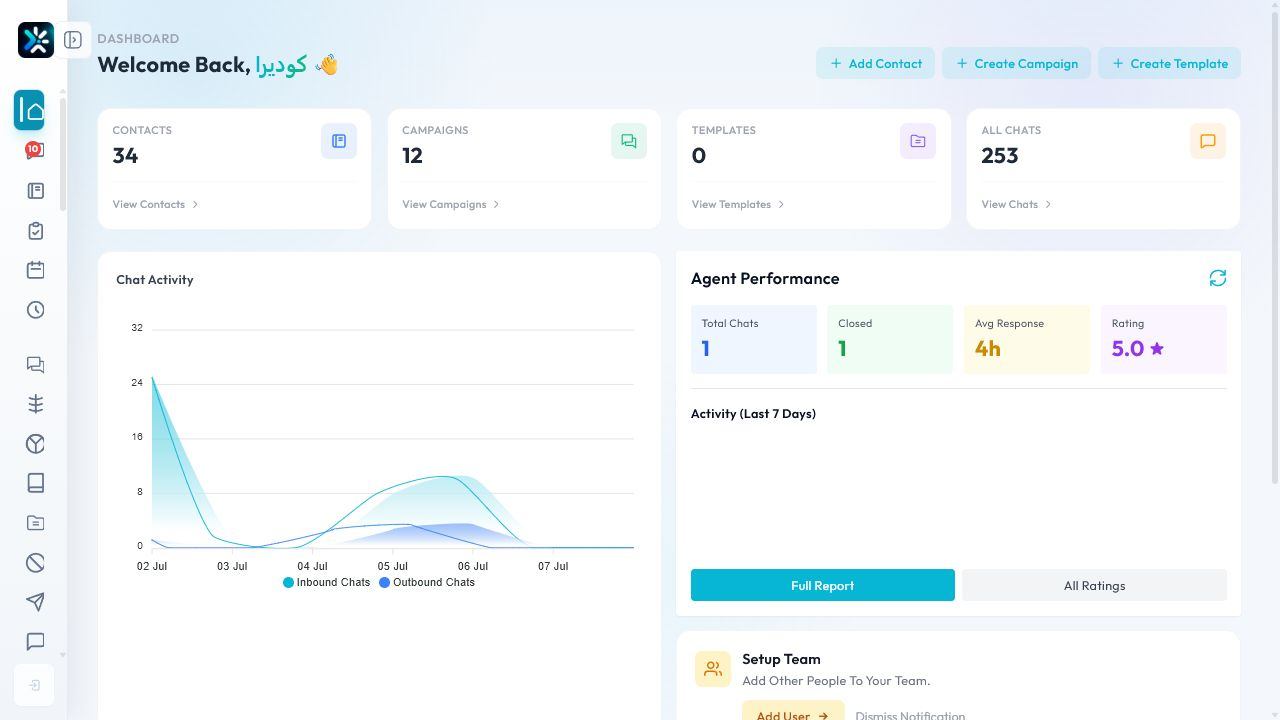
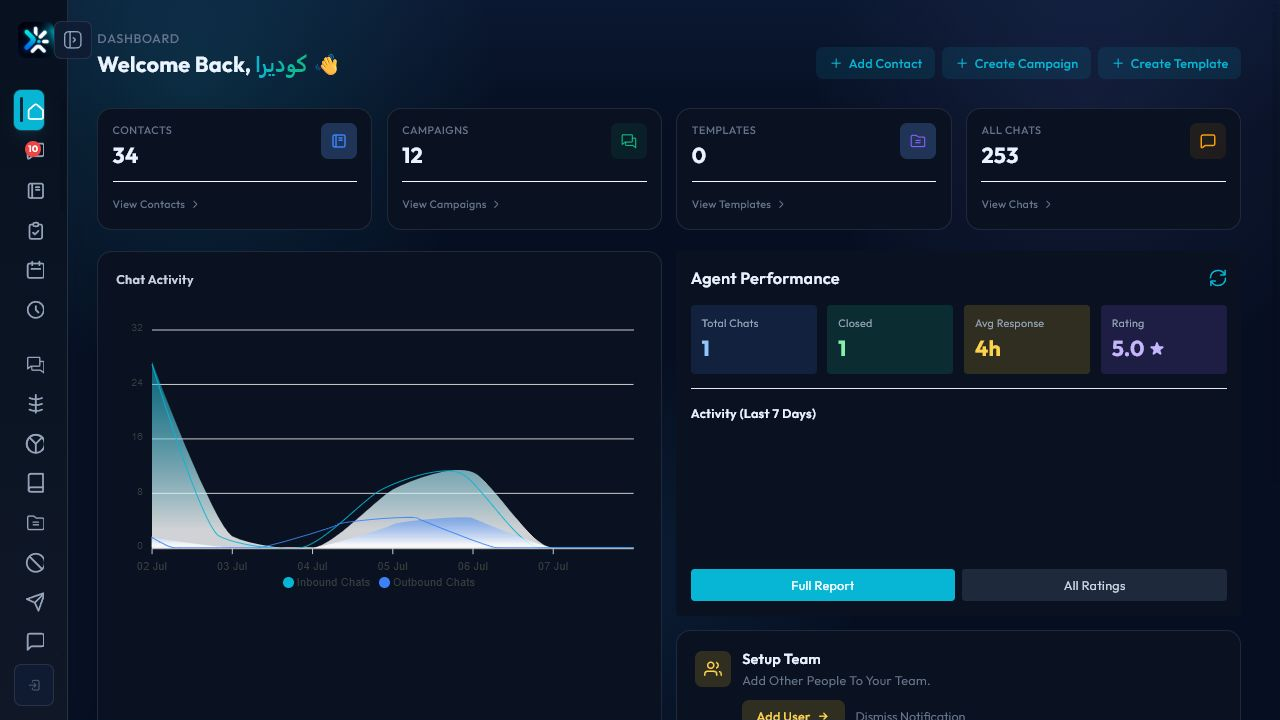
- Check the dashboard health cards.
- Connect at least one messaging channel.
- Add or import a small contact list.
- Reply to one conversation from the inbox.
What to verify
- The active organization name is correct before changing settings.
- Your account language, timezone, and notification preferences match your team workflow.
- The channel you will test has a clear owner.
Common mistakes
- Working inside the wrong organization after login.
- Connecting a channel before deciding who owns inbound conversations.
- Importing all contacts before testing with a small group.
Detailed Operating Playbook
Primary owner: Workspace admin or implementation lead.
Team workflow
- Confirm the active organization before every setup action.
- Connect one channel and test one inbound and one outbound message.
- Invite only the first operating team before scaling permissions.
- Record the first-day issues in an onboarding checklist.
Success signals
- The dashboard shows CodeEra workspace data.
- A test conversation can be opened from the inbox.
- The team knows which screen to use for channels, contacts, campaigns, and reports.
When to review or escalate
Review this workflow when channels, policies, or workload change. Escalate to a manager when numbers look inconsistent or the same issue repeats more than once in the same day.